Robot Builder: Endless Runner
Reviews
Robot Builder: Endless Runner offers a refreshing mix of creativity and action. Building your own robot adds a personal touch, while the endless running keeps each session fresh. The star collection and power-up system provide clear goals, and the hidden picture achievements add replay value. It is easy to pick up and play for a few minutes or longer.
Description
Game Introduction
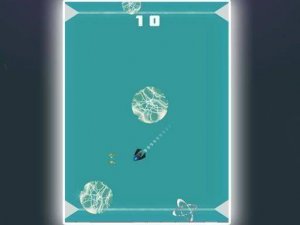
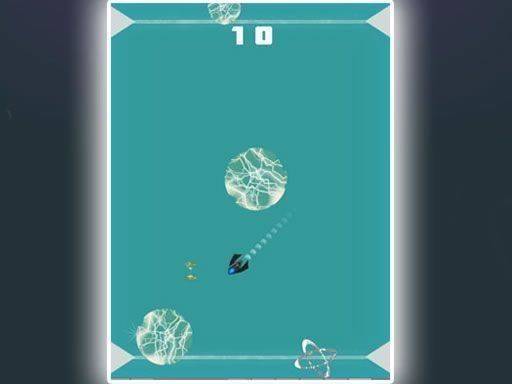
Robot Builder: Endless Runner is a creative endless running game where you take control of a robot you assemble yourself. Your main goal is to run through vibrant levels, collecting as many stars as possible while avoiding obstacles. Helpful power-ups appear along the way to boost your score or give you temporary advantages. The game combines creativity with action, letting you build your robot from different parts before starting each run. You can capture screenshots of your progress and share them with friends to challenge their high scores. With multiple achievements to unlock, each revealing hidden pictures, there is always a new target to aim for. The game runs smoothly in your browser on both mobile and desktop devices with no downloads needed, making it easy to start playing anytime.
How to Play
To play Robot Builder: Endless Runner, first assemble your robot from available parts. Once your robot is ready, the game begins as an endless runner. You control your robot's movement using touch controls on mobile devices or keyboard arrows on desktop computers. Navigate left and right to dodge obstacles and collect stars along the path. Watch for power-ups that appear randomly; these can provide a temporary speed boost, invincibility, or extra points. Your score increases with every star collected and obstacle avoided. The run ends if you hit an obstacle, so stay focused. After each run, you can view your score and compare it with friends. Unlock achievements by reaching specific milestones to reveal hidden pictures. Play in full screen mode for a more immersive experience.
Game Features
Game features include building your robot from various parts, collecting stars to increase your score, using power-ups for temporary advantages, and unlocking achievements that reveal hidden pictures. The game supports full screen mode and runs on both mobile and desktop browsers without any downloads. You can also take screenshots of your progress and share them with friends to challenge their high scores.
Tips for Success
To improve your performance, practice regularly to learn the timing of obstacles and power-up placements. Focus on collecting stars while avoiding obstacles, and use power-ups strategically when they appear. Building a robot that feels comfortable to control can also help you stay focused during runs.





Comments
Sign in to comment
You must be logged in before posting a review or rating.
No account? Create one
No comments yet. Be the first to comment!