Creative Styling Studio for Young Designers
Reviews
Creative Styling Studio for Young Designers offers a calm, pressure-free environment where children can explore fashion and makeup concepts. The four distinct characters provide variety, while the simple tap interface ensures even the youngest players can participate. The inclusion of a manicure station adds an unexpected but welcome layer of detail. Parents will appreciate the lack of timers, scores, or data collection, making this a safe choice for screen time that stimulates creativity without overstimulation.
Description
Character Selection & Personalization
Players begin by choosing from four characters, each with a distinct visual style. This initial choice sets the stage for a personalized styling session. The game does not impose any time limits, allowing children to explore each character's features thoroughly before moving on.
Makeup & Facial Styling Tools
A set of virtual makeup tools lets players apply various colors and effects to the character's face. Options include different shades for lips, eyes, and cheeks. The interface responds to taps or clicks, making the application process straightforward and intuitive for young users.
Wardrobe & Accessory Selection
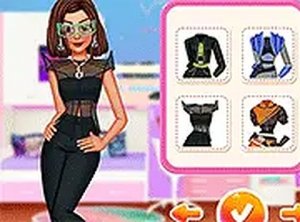
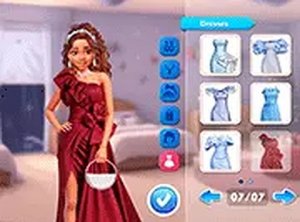
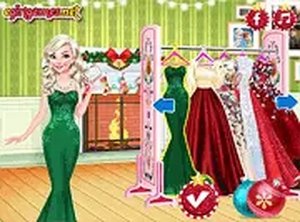
After facial styling, players enter the wardrobe area. Here they can browse through a collection of dresses, tops, skirts, shoes, and accessories. Each item can be tried on instantly, encouraging experimentation with color combinations and styles.
Hairstyle Customization
The game includes a variety of hairstyles that can be changed with a single tap. Players can cycle through different lengths, colors, and arrangements to find a look that complements the chosen outfit and makeup.
Manicure Station
A dedicated manicure area offers nail colors and decorative patterns. Children can paint each nail individually or apply a consistent design across all fingers. This station adds an extra layer of creative detail to the overall styling process.
Platform & Accessibility
The game runs directly in a web browser on both mobile devices and desktop computers. No installation or account creation is required. A full-screen mode is available for a more immersive experience. The interface uses large, clearly labeled buttons suitable for young children.







Comments
Sign in to comment
You must be logged in before posting a review or rating.
No account? Create one
No comments yet. Be the first to comment!