Flounder is a clean arcade game with a straightforward goal. The controls are simple but require careful timing, which adds replay value. The underwater theme is pleasant and not distracting. Each session is short, making it easy to play during breaks. The scoring system and bonuses encourage improvement. It is a good choice for players who enjoy skill-based challenges without complex rules.
Flounder is an arcade game where you guide a pufferfish through an underwater world. The pufferfish moves in a set direction once it starts, making control a challenge. Your goal is to avoid skeleton fish and stay away from the top and bottom edges of the screen. Each fish you pass adds to your score. Bonuses appear occasionally to give extra points. The game ends if you hit a skeleton fish or the screen boundaries. It is designed for desktop computers and works best with a keyboard or mouse. You can play in full screen mode for a more focused experience. Flounder is free to play and runs directly in your browser with no downloads needed.
To play Flounder, use your keyboard or mouse to control the pufferfish. The fish moves in a fixed direction once it starts swimming, so timing is important. Press or click to change direction and avoid obstacles. Watch for skeleton fish and steer clear of them. Also keep the pufferfish away from the top and bottom edges. Each fish you pass earns a point. Collect bonus items when they appear to increase your score faster. The game continues until you collide with a skeleton fish or the screen edge. Your score is shown on screen. Try to survive as long as possible and beat your high score.
Simple controls that are easy to learn. Quick gameplay sessions perfect for short breaks. Score bonuses that add variety. Full screen mode for an immersive experience. Free to play with no registration required. Works on desktop computers with keyboard or mouse.
Flounder offers a straightforward challenge that improves hand-eye coordination. It is suitable for all ages and provides a calm yet engaging activity for quick gaming sessions.
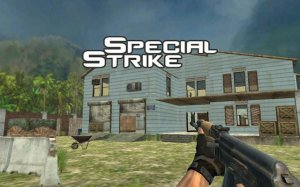
Special Strike offers fast action and strategic teamwork. Easy to learn, fun to master.
A clever puzzle adventure where you lead a goblin clan to freedom with strategy and teamwork.
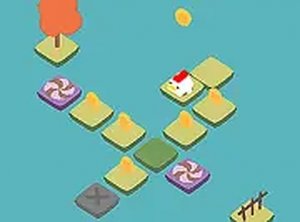
Charming rooster puzzle with smooth controls and fun coin collection. Perfect for quick breaks.

A calm and engaging puzzle that trains your eye for detail. Great for art lovers.
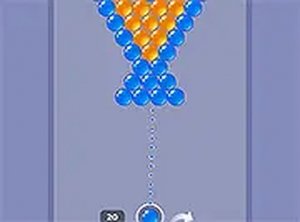
Clean graphics and smooth controls. Perfect for short breaks. Daily rewards keep it fresh.
Charming platformer with a unique egg protection twist. Simple controls and satisfying progression.